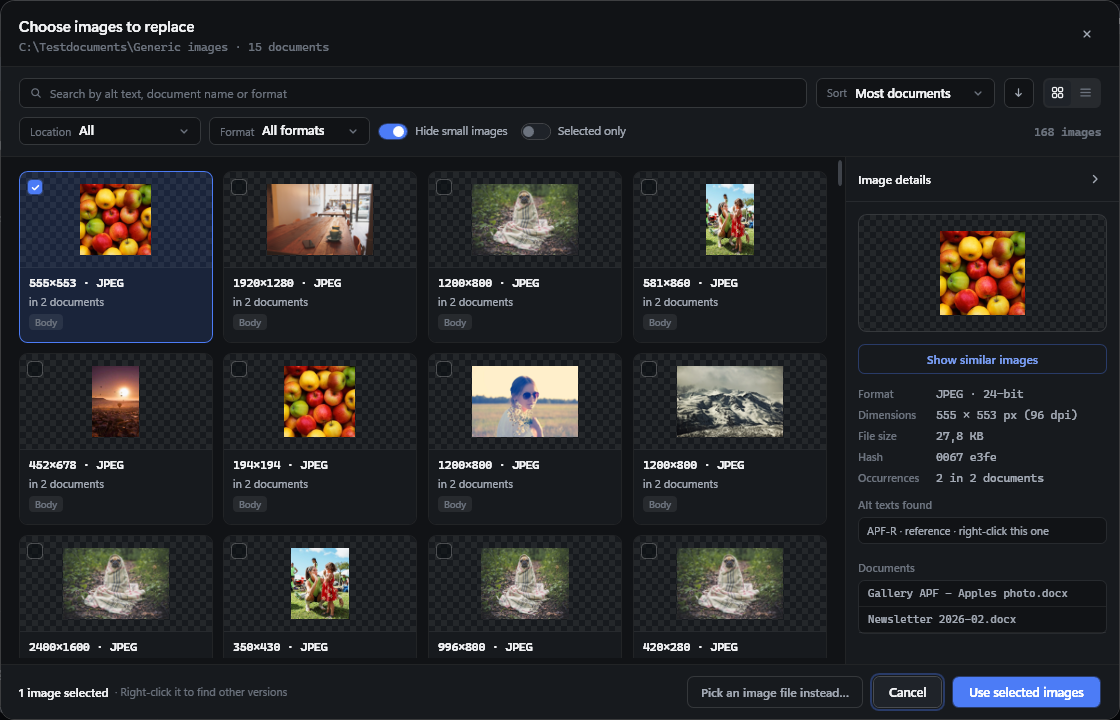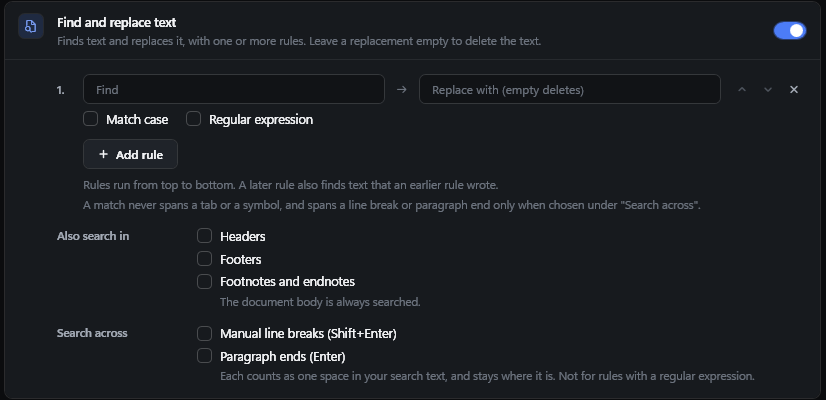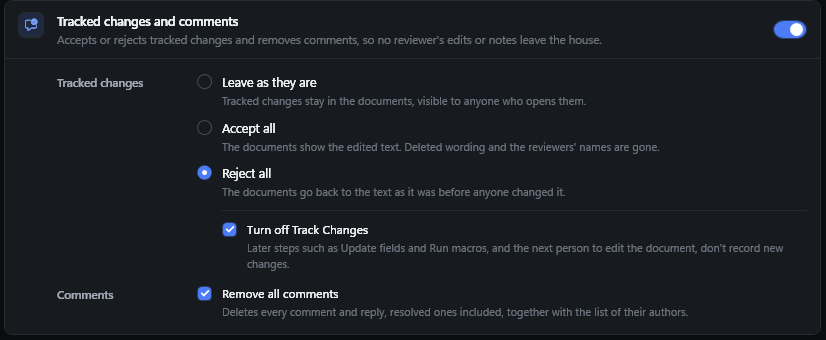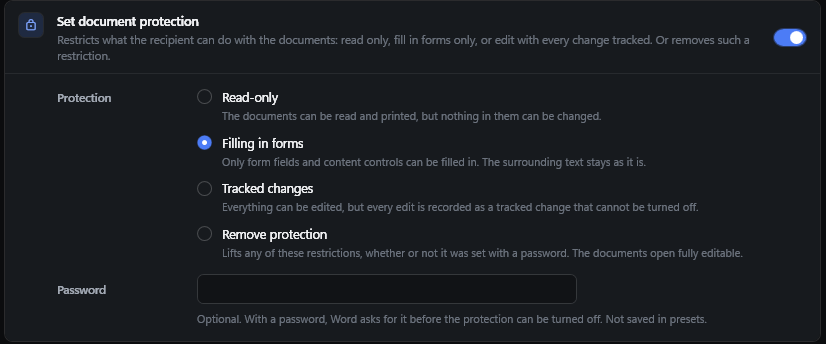
After every run, the Report page shows a line for every document: Succeeded, Warnings, Failed or Skipped, with the reason in plain language, a hint, the steps that ran with their counts, and where the output was written. Filter by status, jump to the log, or export to CSV.
ExampleAfter a clean-up run, filter by Failed to see which documents were restored and why.
What it doesn't cover
- The app keeps the newest 30 reports, so export the ones worth keeping.
- Reports store no document content.